Civil protection and civil defense
Nuclear, Radiological and Chemical Threats
A realistic VR scenario for recognizing nuclear, radiological and chemical threats, avoiding contamination and moving safely through danger zones.
A VR simulation guiding users through safe and structured home evacuation during an air-raid alarm.
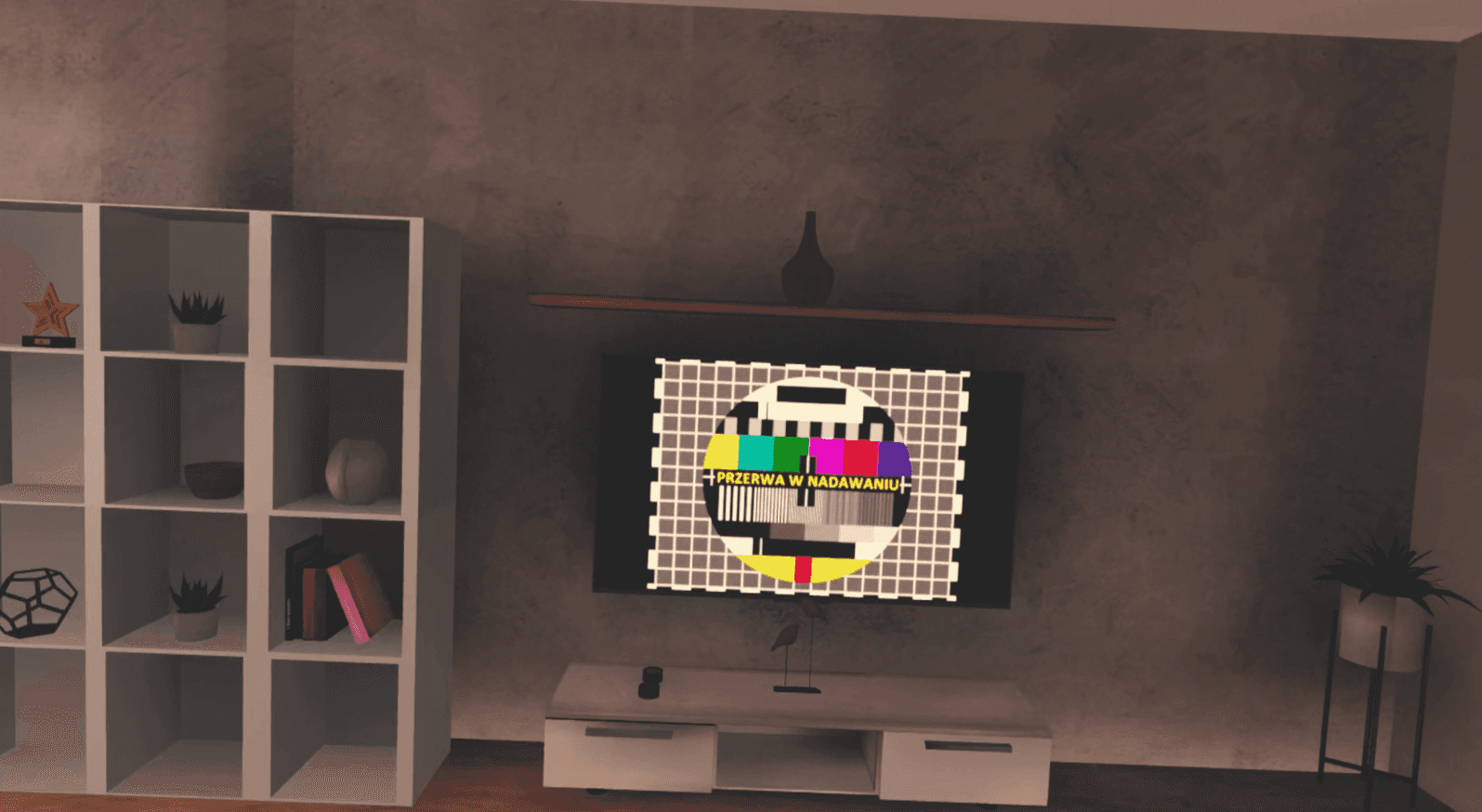
Air-Raid Alarm: Home Evacuation simulates a sudden alarm and leads the user step by step through the complete evacuation process. The lesson teaches how to secure the home before leaving: closing windows, shutting off utilities, extinguishing flames, and preparing essential items.
Participants learn how to dress appropriately, prepare children with their contact and medical information, take the emergency backpack, and make sure that neighbors, especially vulnerable people, know about the alarm and get support.
The realistic VR simulation allows users to rehearse proper actions calmly and safely, strengthening readiness for real alerts.
The objective of this training is to teach participants how to conduct a safe and organized home evacuation during an air raid alarm. The VR simulation guides users through preparation, evacuation, and community awareness steps.
During the simulation, participants will learn to:
This training is designed for:
Part I: Introduction to VR (5 minutes)
Part II: VR Simulation (12 minutes)
a) Home Securing Procedures
b) Evacuation Preparation
c) Neighbor Awareness and Exit
d) Interactive Feedback and Performance Evaluation
This VR training allows users to rehearse evacuation procedures calmly and safely, increasing confidence, preparedness, and the ability to act effectively during real air-raid alerts.
Our training is designed in the form of short, intensive lessons lasting about 5 minutes. This modular structure makes it extremely flexible and effective in various environments:
A realistic VR scenario for recognizing nuclear, radiological and chemical threats, avoiding contamination and moving safely through danger zones.
A VR simulation of a nuclear explosion, focused on recognizing warning signs and choosing the safest shelter.
A realistic air-raid simulation teaching correct alarm response, sheltering, and protective behavior.
A set of civil defense VR lessons: air raid, nuclear attack, nuclear, radiological and chemical threats, and evacuating your home.
 Coming soon
A VR application that teaches users how to properly prepare and pack a 72-hour bug-out bag (emergency evacuation backpack).
 Coming soon
A civil defense VR lesson set in a sudden flood after a dam failure: act on warnings and evacuate in time.
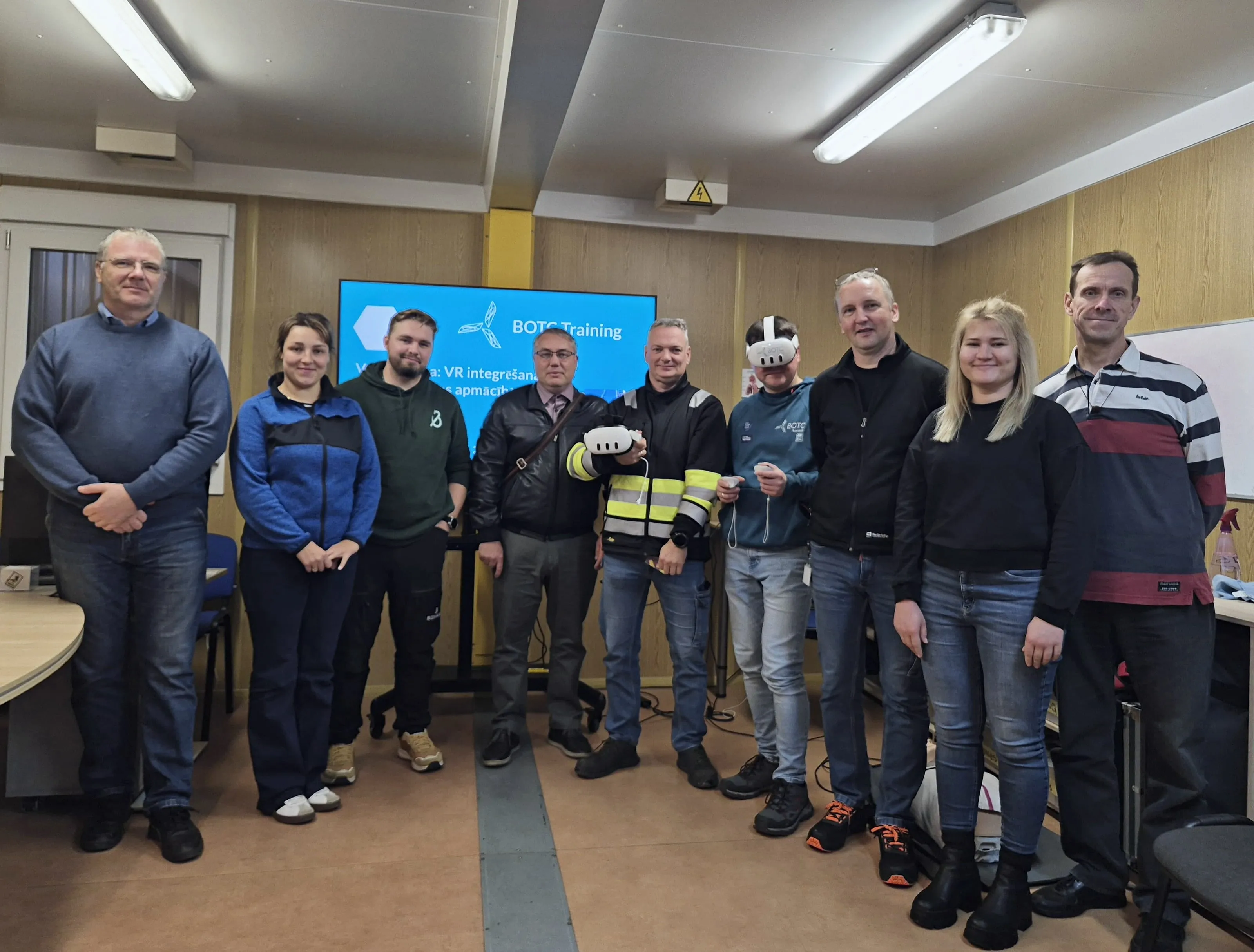
What safety specialists from 30 companies learned at a BOTC VR workshop: short modules, high-risk training, local languages.
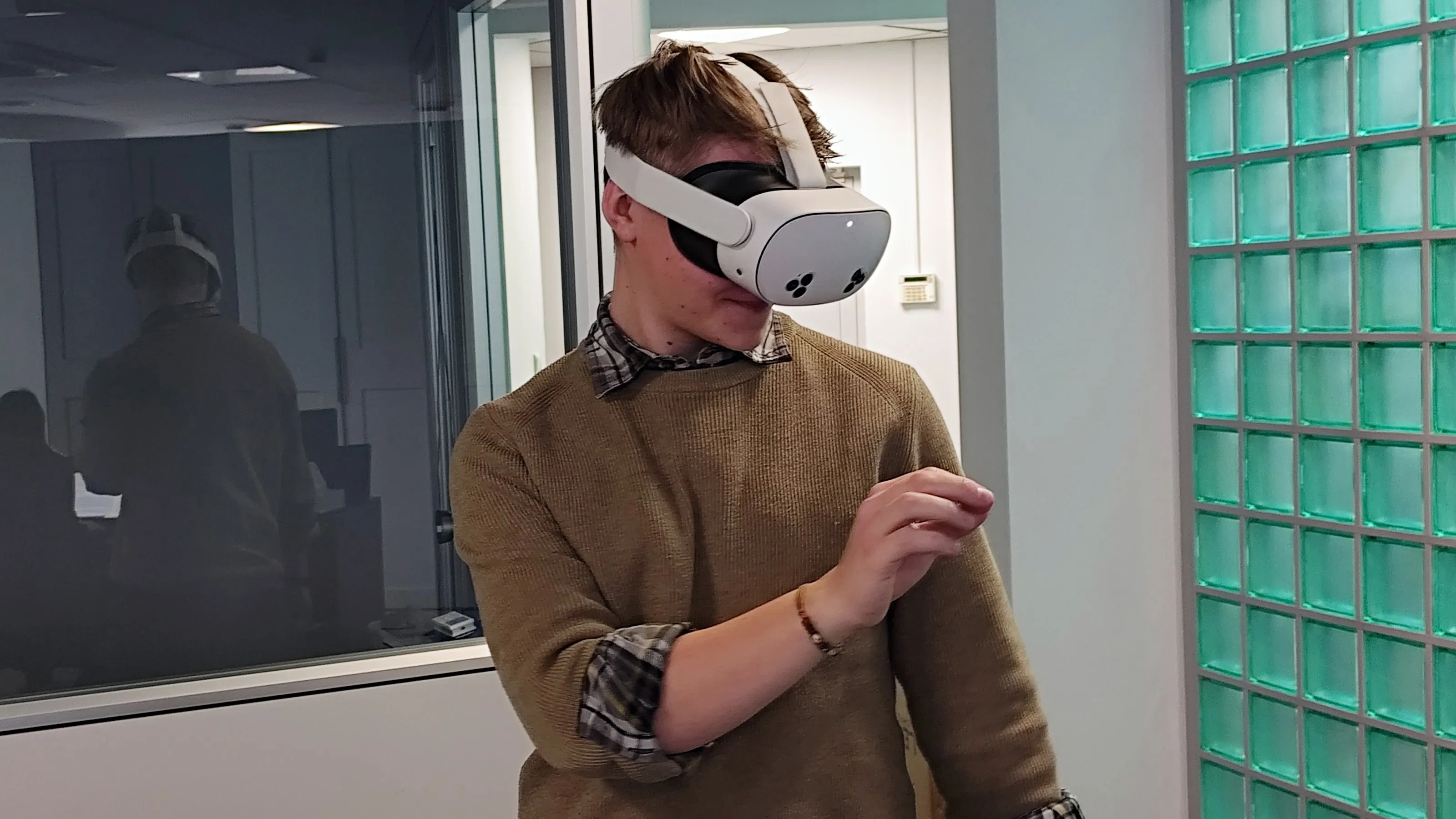
Initial OHS training that keeps quality consistent, engages new employees and documents results.
Periodic OHS refresher training that engages employees, can run at any time and documents results.
We send you a headset with all the apps. You test for 5 business days, and we cover shipping both ways.
Get a test headsetInstall in a few minutes and test all the apps for 7 days. No card, no commitment.
Test on my headsets30 minutes online: we show you scenarios for your industry and answer your questions about rollout.
Book a call