Meta Quest: tutorials, setup and FAQ
Setting up your Meta Quest headset for our VR training is quick and easy. Here you will find video instructions for installing and using the app.

Meta Quest setup and usage tutorials
Step-by-step video guides to help you set up, install and use EHS VR apps on Meta Quest headsets. Learn how to launch training, navigate menus and use hand tracking.

EHS Academy from A to Z
YouTube

How do I launch EHS Academy?
YouTube
The quickest way to launch EHS Academy.
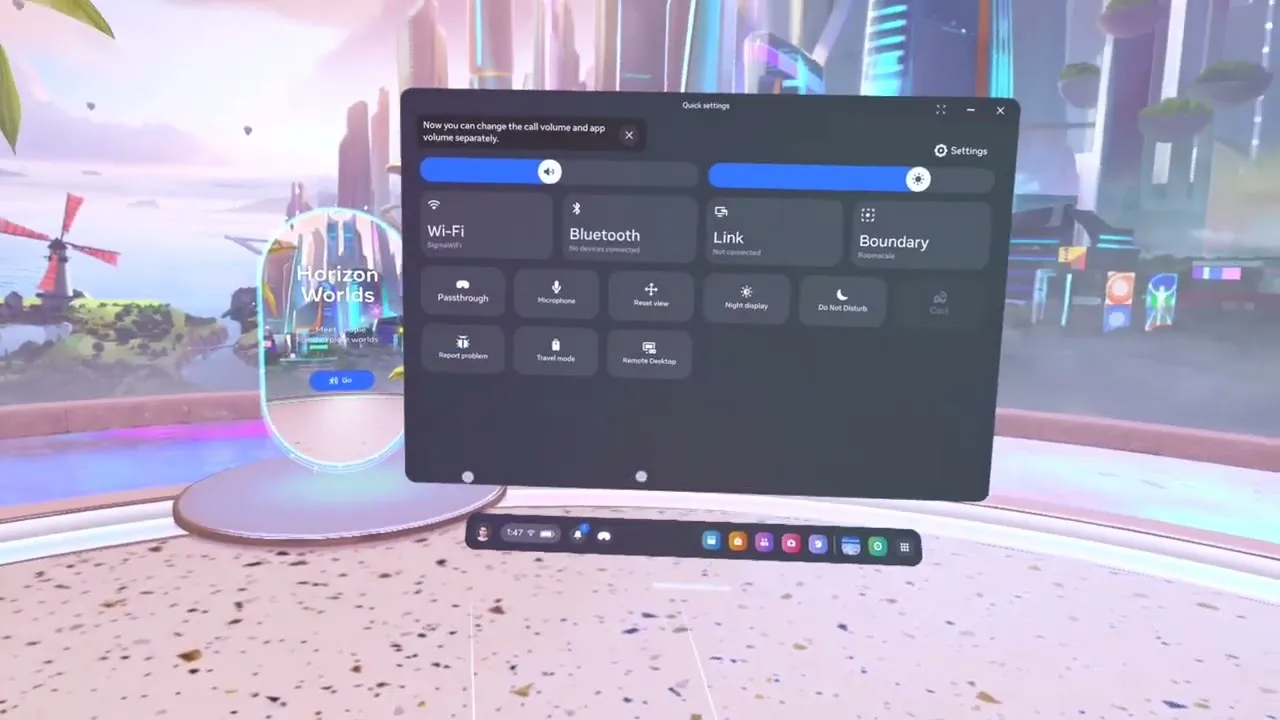
How do I set up hand tracking on Meta Quest?
YouTube
Meta Quest guides
Video tutorials for EHS Academy on Meta Quest, from launching the app to casting.
Meta Quest: frequently asked questions
Quick answers to the most common questions about using EHS VR on Meta Quest headsets.
Can I train several participants with one headset?
Do I need additional equipment?
What other uses do your applications have besides training?
What does a one-time subscription mean?
Can I get funding for the headsets and applications?
Is first aid training aligned with the curriculum?
Is screen sharing possible?
Questions? We’re here to help
Prefer to talk?
Book a 30-minute online call with our team.
Patryk Gawłowski
Sales and support
+48 577 605 105Mikołaj Basara
Sales and support
+48 530 202 102Łukasz Stachulec
Sales and support
+49 419 180 408-61+48 577 377 844E-mail
office@ehsvr.com