VR in safety training: insights from BOTC
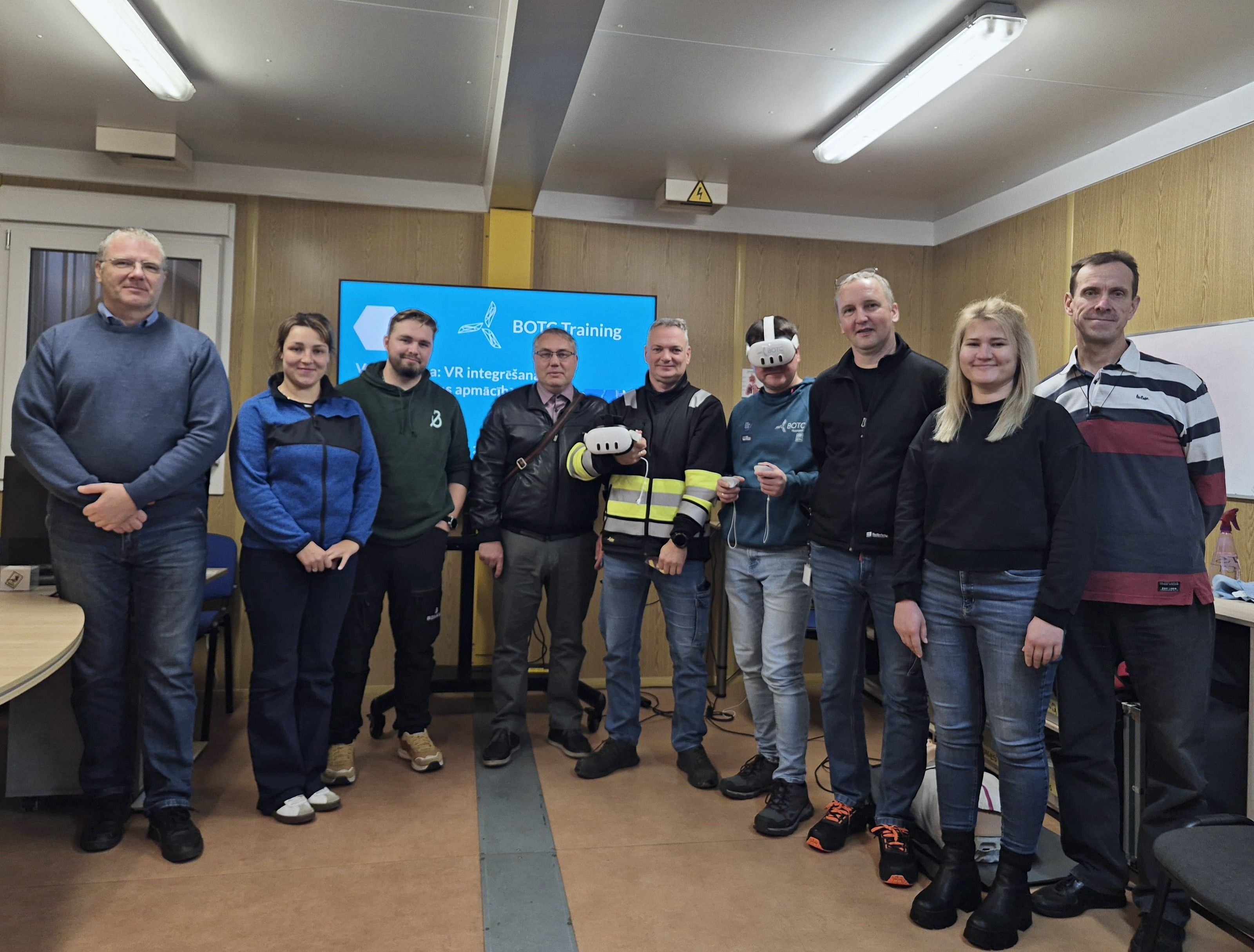
BOTC Training organized a practical VR workshop for safety specialists representing 30 companies across construction, manufacturing, energy and service sectors.
- 30 companies
- 3–6 min scenarios
- 30 companies
- 3–6 min scenarios
What the BOTC workshops showed
Participants tested multiple safety scenarios in virtual reality, including fire safety, first aid, work at height and warehouse risk assessment, and compared several VR platforms.
The workshops clearly demonstrated how short, realistic and easy-to-use VR modules can enhance workplace training, support onboarding and improve competence retention. VR proved especially valuable in high-risk, hard-to-simulate environments where traditional training is limited.
Recurring challenges in safety training
These issues came up consistently among all 40+ participants at the BOTC workshops.
Without VR
- Theory sessions are not engaging enough.
- Real hazards are hard to imagine from slides or videos.
- Fires, heights and confined spaces cannot be safely recreated in real life.
- Practical exercises are costly, time-consuming and complex to organize.
- Long formats reduce attention and retention.
- Frontline staff need training in their own language.
With EHS VR
- Short 3–6-minute scenarios that fit into daily operations.
- Safe practice for fires, falls from height and confined spaces.
- Site-specific modules that improve understanding and reduce errors.
- Higher concentration, especially among younger workers.
- Local-language versions, such as Latvian at the BOTC workshop.
- A reinforcement step: theory, then VR, then real-world practice.
Apps that solve this problem
 Fire safety
Warehouse Fire – Fire Marshal Training in VR
Train fire marshals in realistic warehouse fire scenarios: alarm, safe suppression and evacuation.
 High-risk work
Working at Height
Immersive training for working at height - fall protection and rescue in VR.
 High-risk work
Work in Confined Spaces
Train confined space entry and safety in VR - ventilation, PPE, and evacuation.
 First aid
BLS & AED in the Factory
BLS & AED in VR - life-saving response to emergencies at the factory.
How to organize it
Implementing VR for safety training is simple.
Choose training objectives
For example fire safety, work at height, emergency response or hazard awareness.
Select relevant VR modules
Pick from ready-made EHS VR scenarios or request a custom environment.
Prepare the training space
Only about 2 × 2 m of free space is needed for VR practice.
Equip trainers or supervisors
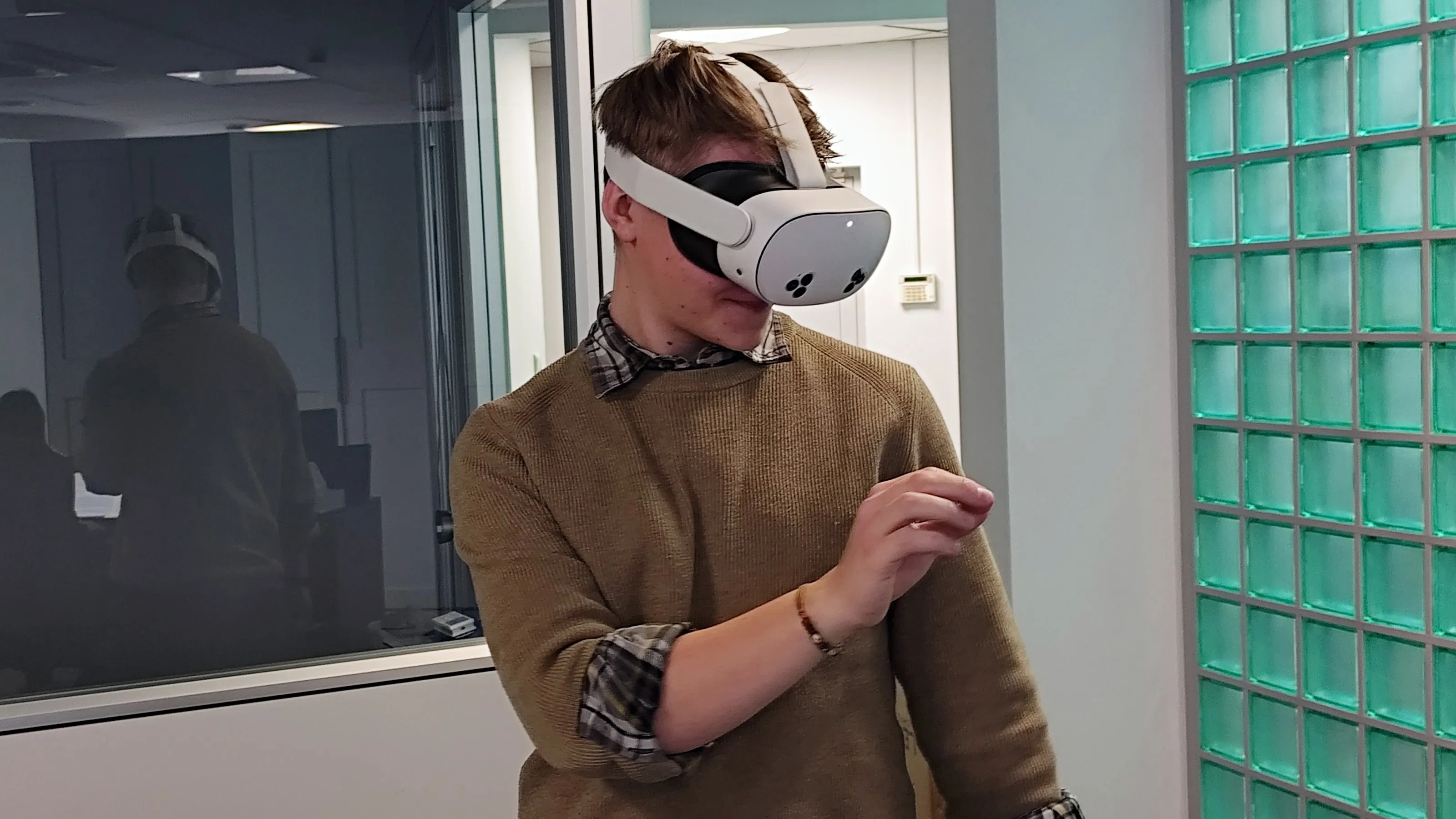
Use one or more Meta Quest headsets: no cables, no PC, no additional infrastructure.
Integrate VR into your training plan
Use VR as a pre-practice activity, during onboarding, toolbox talks or periodic refreshers.
Track progress and repeat sessions
VR allows unlimited repetition, skill reinforcement and competence checks.
Other use cases
Initial training
Initial OHS training that keeps quality consistent, engages new employees and documents results.
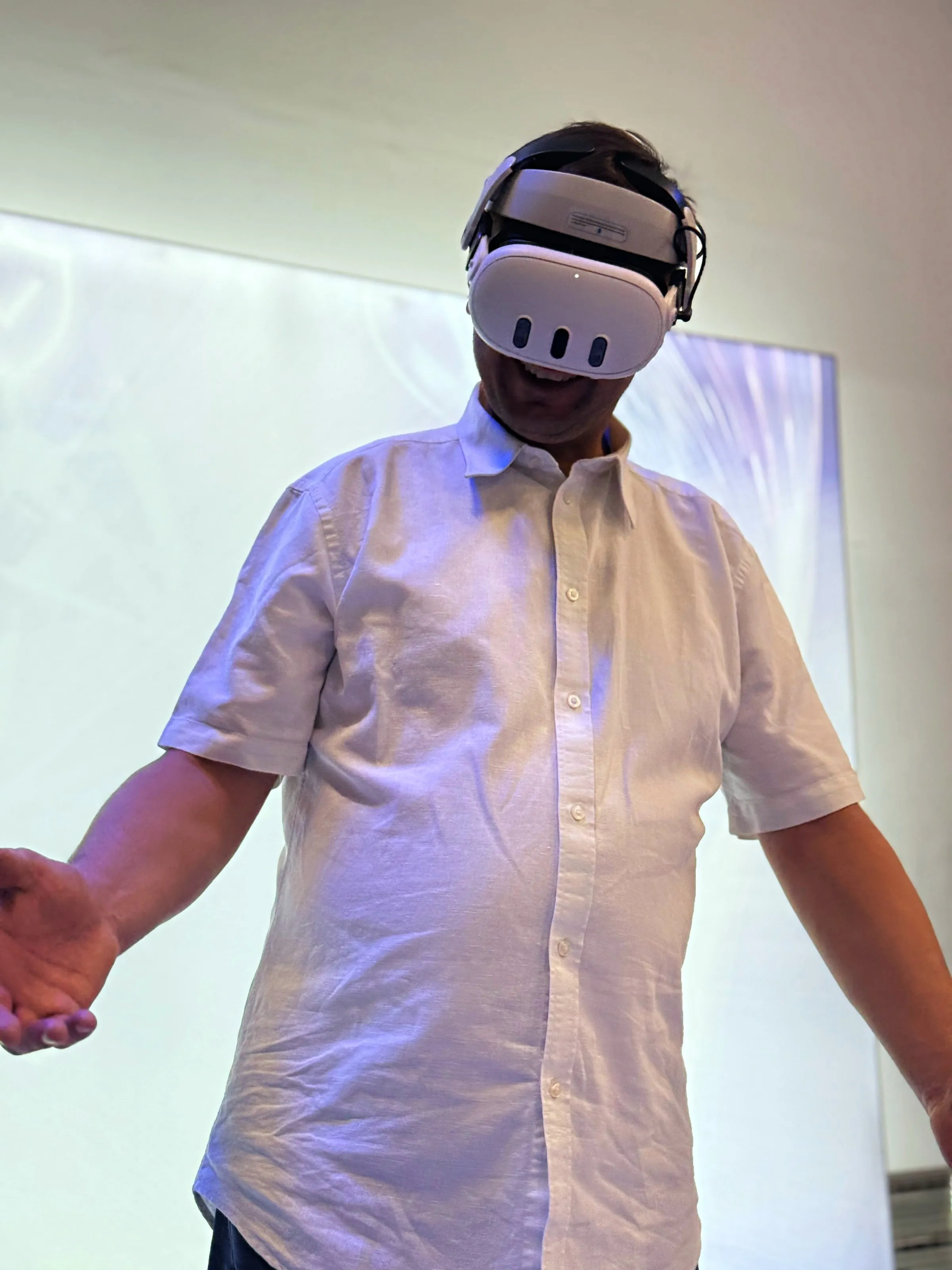
Refresher training
Periodic OHS refresher training that engages employees, can run at any time and documents results.
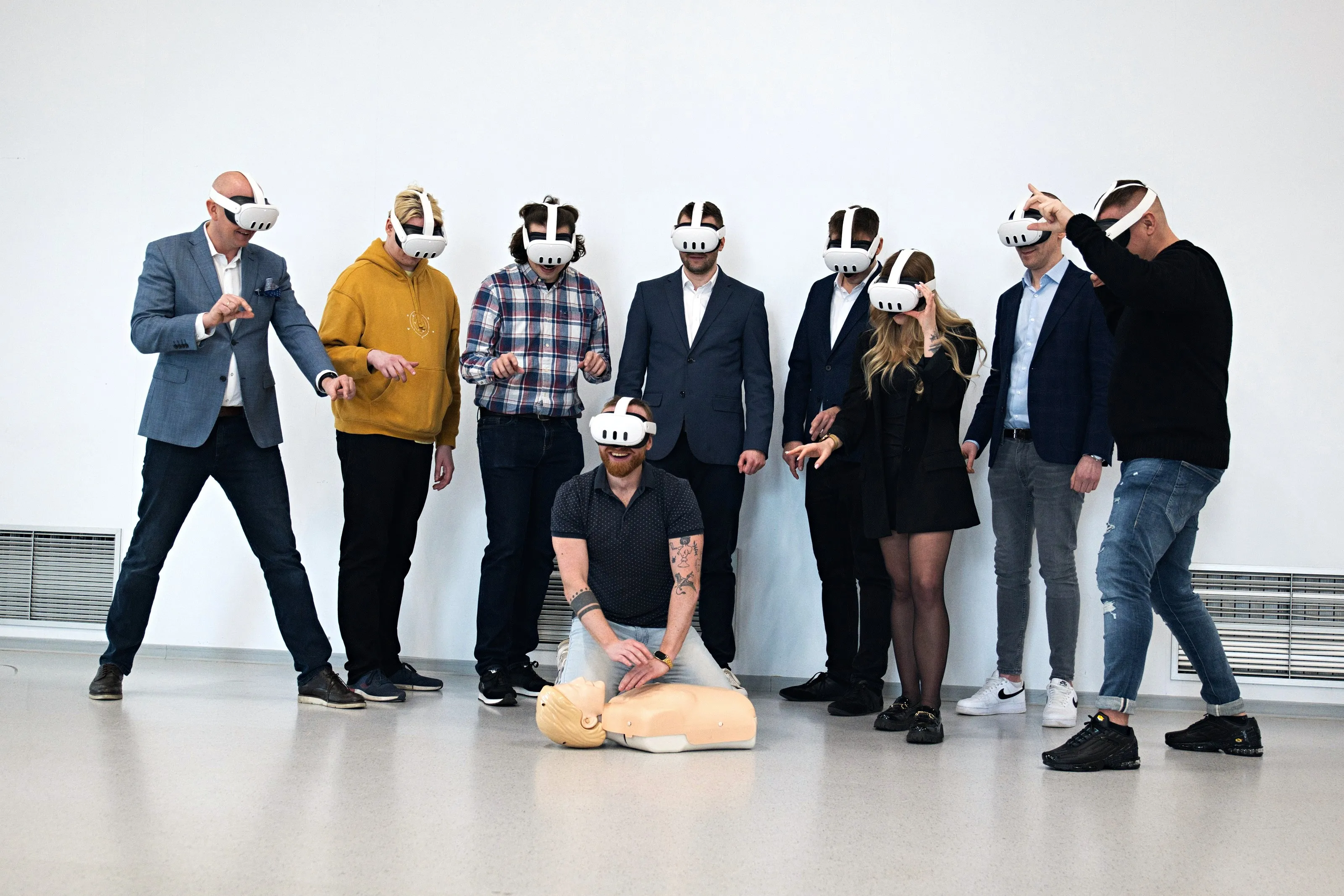
Safety Day
Safety Days and HSE events with realistic VR scenarios: first aid, fire safety and evacuation.
How would you like to start?
I don’t have a headset
We send you a headset with all the apps. You test for 5 business days, and we cover shipping both ways.
Get a test headsetI have my own headsets
Install in a few minutes and test all the apps for 7 days. No card, no commitment.
Test on my headsetsI’d rather talk
30 minutes online: we show you scenarios for your industry and answer your questions about rollout.
Book a call