High-risk work
Work in Confined Spaces
Train confined space entry and safety in VR - ventilation, PPE, and evacuation.
Respond to chemical spills safely in VR - PPE, containment, and compliance.
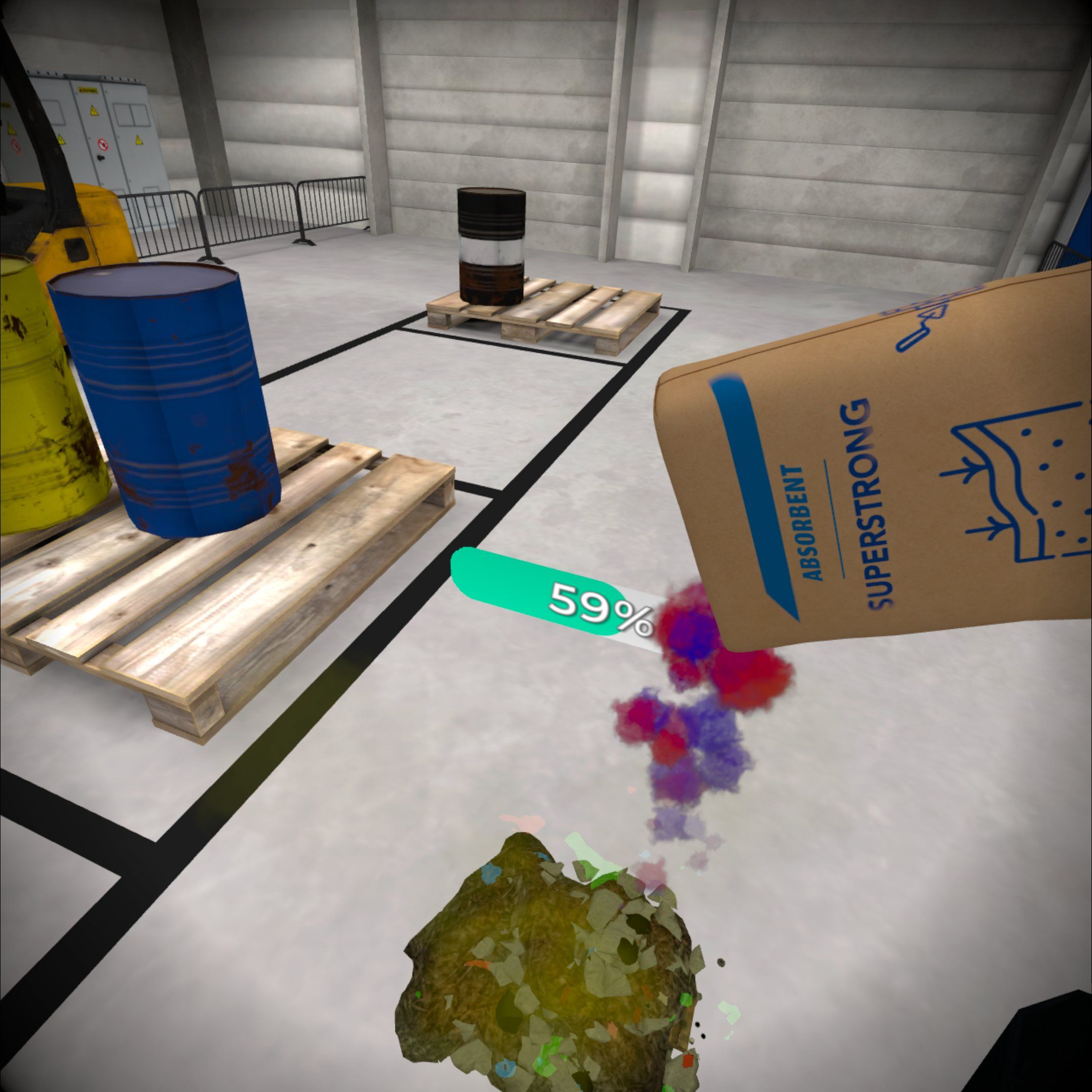
Chemical Spill Response VR Training is an essential module for industrial and warehouse environments, designed to equip employees with the skills to safely handle chemical spill incidents. Through immersive simulations, participants practice critical steps that reduce risks to health, safety, and the environment.
The training develops key competencies:
With realistic, hands-on scenarios, this VR training strengthens emergency preparedness, builds confidence in spill management and supports compliance with occupational safety regulations.
The goal of this training is to equip participants with practical skills for responding to chemical spills in an industrial environment, following safety procedures and the guidelines outlined in Safety Data Sheets (SDS) for hazardous substances. The training allows participants to practice securing the incident site, assessing the type of substance based on its SDS, and using appropriate personal protective equipment (PPE) and absorbents to neutralize the spill.
This training is designed for:
Part I: Introduction to VR (8 minutes)
Part II: VR Simulation – Responding to a Chemical Spill (7 minutes)
Part III: Summary and Review (3 minutes)
The VR training provides a realistic crisis scenario, allowing participants to gain hands-on experience in a safe virtual environment. The use of Safety Data Sheets and an immersive simulation enhances employee preparedness for real-life chemical hazards in the workplace.
“Virtual reality allows our employees to train in realistic scenarios that accurately reflect the specifics of our work. This has significantly improved safety and engagement in training sessions. We highly recommend it!”
Train confined space entry and safety in VR - ventilation, PPE, and evacuation.
Control hazardous energy with Lockout Tagout VR - safer machinery maintenance.
Master hand and voice signals in VR - safer construction site operations.
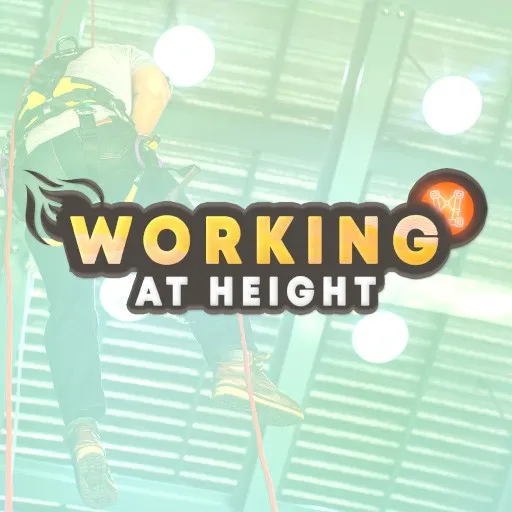
Immersive training for working at height - fall protection and rescue in VR.
 Coming soon
The app shows how distraction, multitasking, and cognitive overload can negatively affect situational awareness and workplace safety.
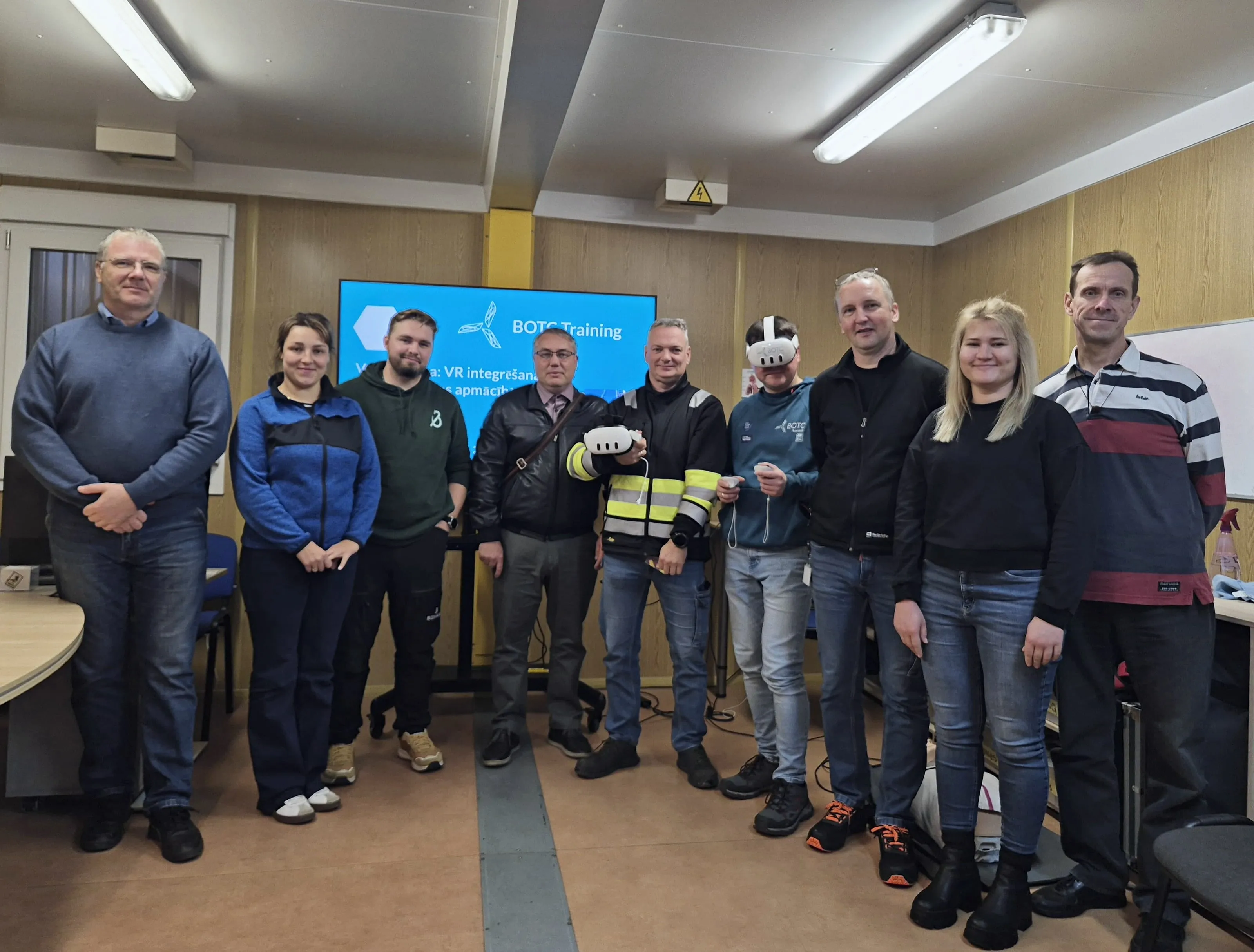
What safety specialists from 30 companies learned at a BOTC VR workshop: short modules, high-risk training, local languages.
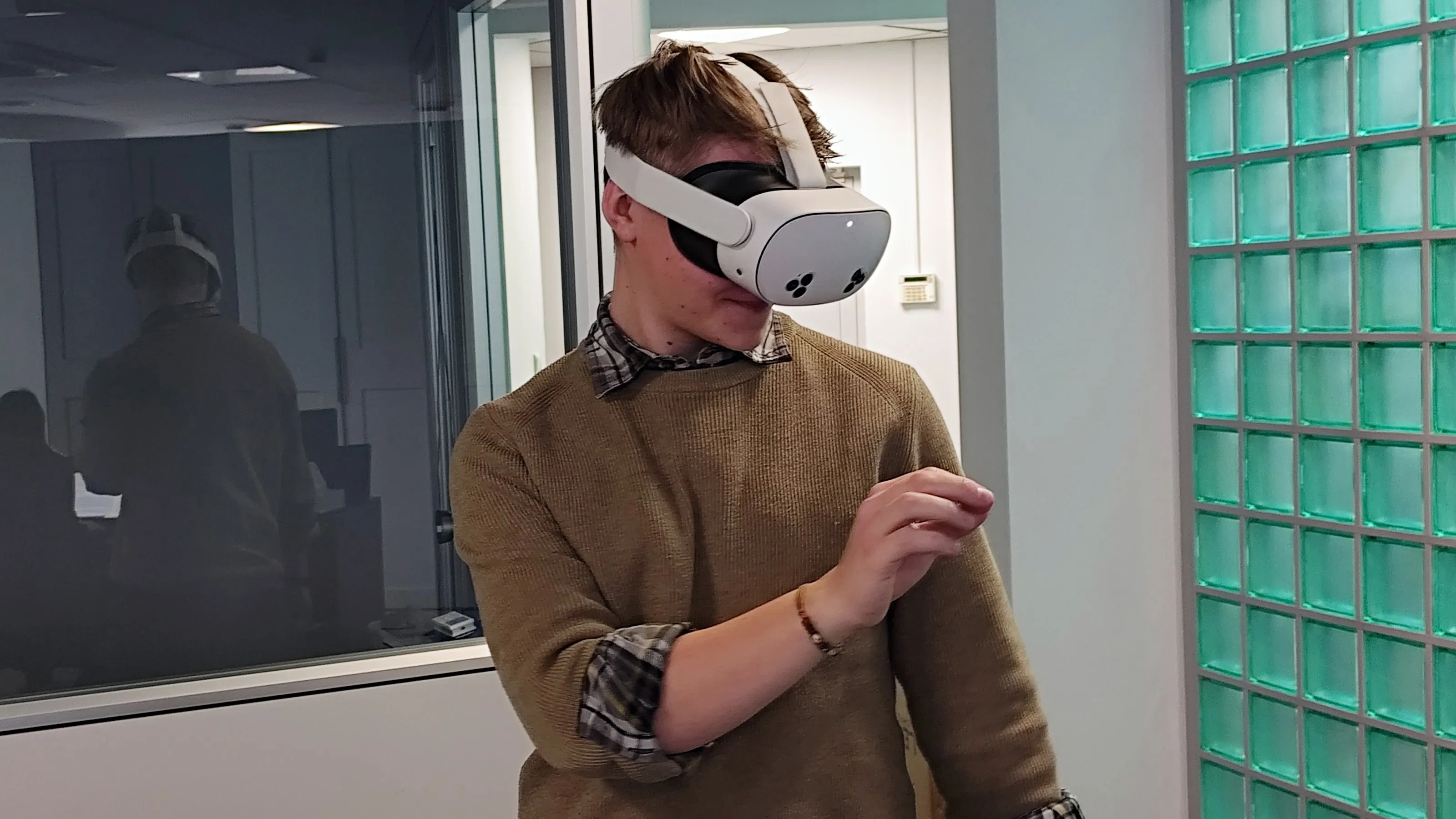
Initial OHS training that keeps quality consistent, engages new employees and documents results.
Periodic OHS refresher training that engages employees, can run at any time and documents results.
We send you a headset with all the apps. You test for 5 business days, and we cover shipping both ways.
Get a test headsetInstall in a few minutes and test all the apps for 7 days. No card, no commitment.
Test on my headsets30 minutes online: we show you scenarios for your industry and answer your questions about rollout.
Book a call