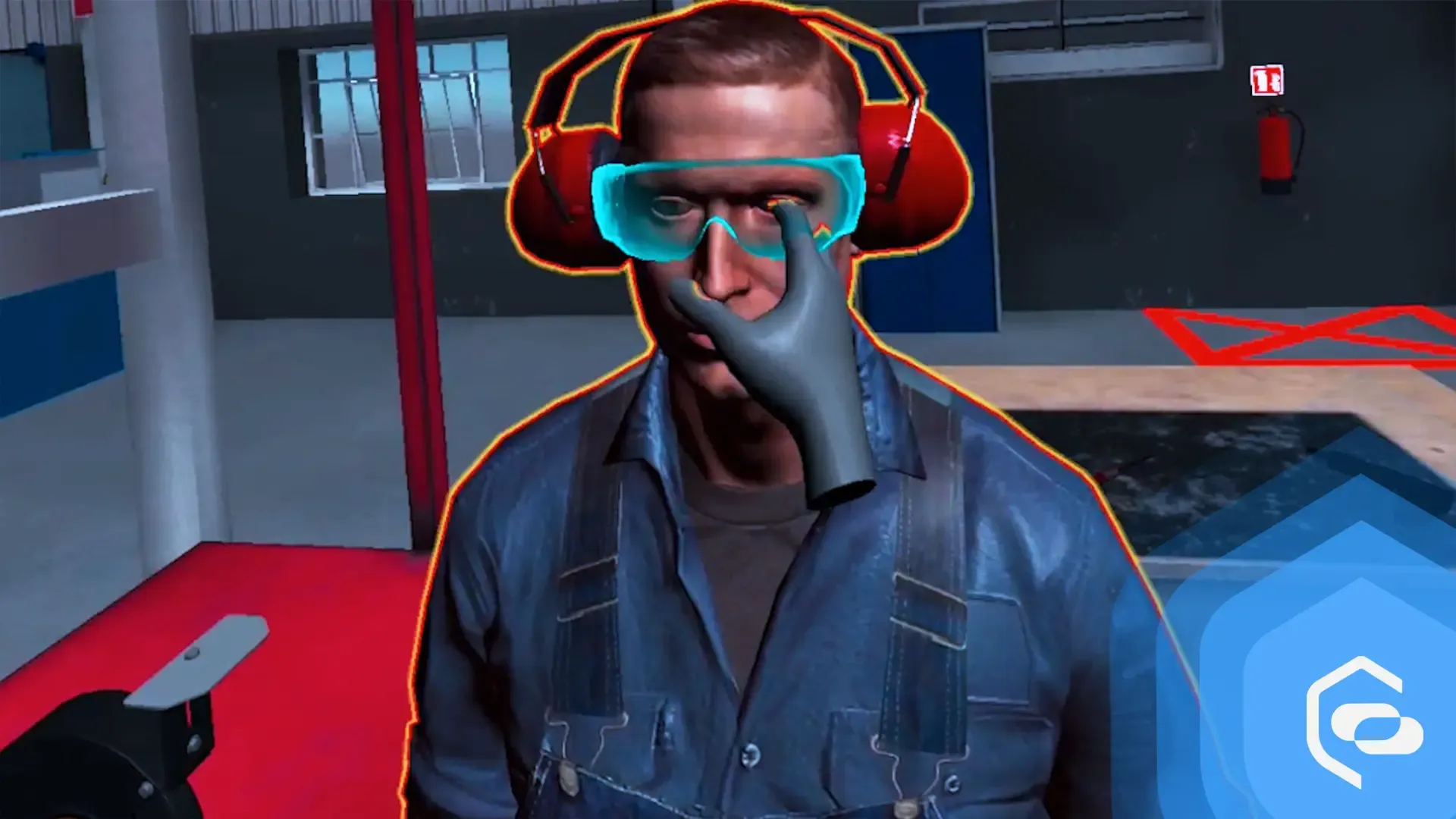
Interview: Easy Engineering about EHS VR
Application updates1 min read
Easy Engineering magazine interviewed EHS VR about health and safety training in virtual reality.
 Natalia Kiełczykowska3 min read

A simple way to make group training more effective: label each headset with its serial number. In this article, you will learn how to find your device’s serial number and make a sticker for each headset, and why this simple step makes such a difference when you train larger groups.
During training sessions, we noticed a recurring problem: how to help a participant who needs support to complete the training. Trainers had a few options. A trainer who knew our applications well could ask the participant questions to find out what was wrong and try to help. But this required detailed knowledge of every application and careful questioning, because not every participant can describe the problem precisely. Another option was for the trainer to put on the headset, see what was wrong, help, and then adjust the device back for the trainee.
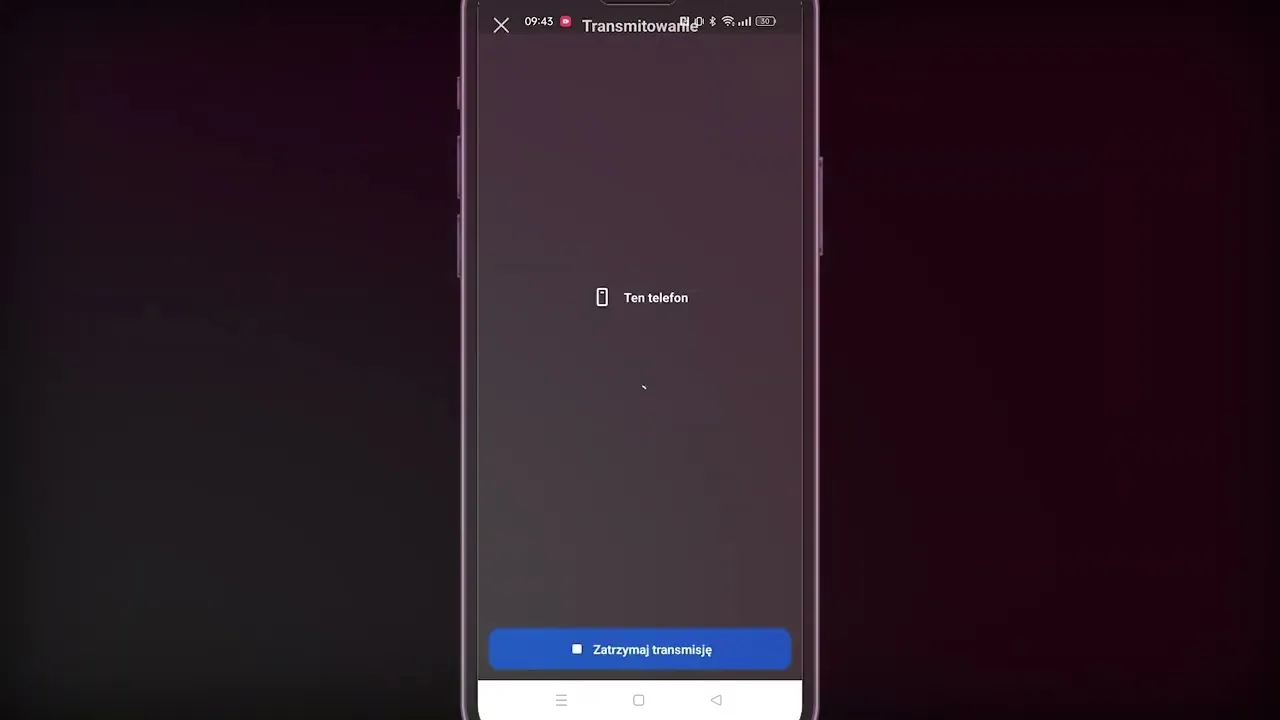
Some trainers found it helpful to cast the view from the participant’s headset to the trainer’s tablet. To do this, however, they needed the device’s serial number, which is printed inside the headset, so the headset had to be taken off anyway. All of this took time, disrupted the training, required in-depth knowledge of the application and often caused frustration.
To make it easier to identify each participant’s headset, we suggest putting a sticker with the serial number on the front of each headset. The trainer labels the headsets in advance. When a participant needs help, the trainer simply reads the serial number on their headset, finds the same number on the tablet and casts the image. (Step-by-step instructions are below.) This is the most effective way for the trainer to see exactly what the participant sees and give quick advice or help.
Application updates1 min read
Easy Engineering magazine interviewed EHS VR about health and safety training in virtual reality.
Funding4 min read
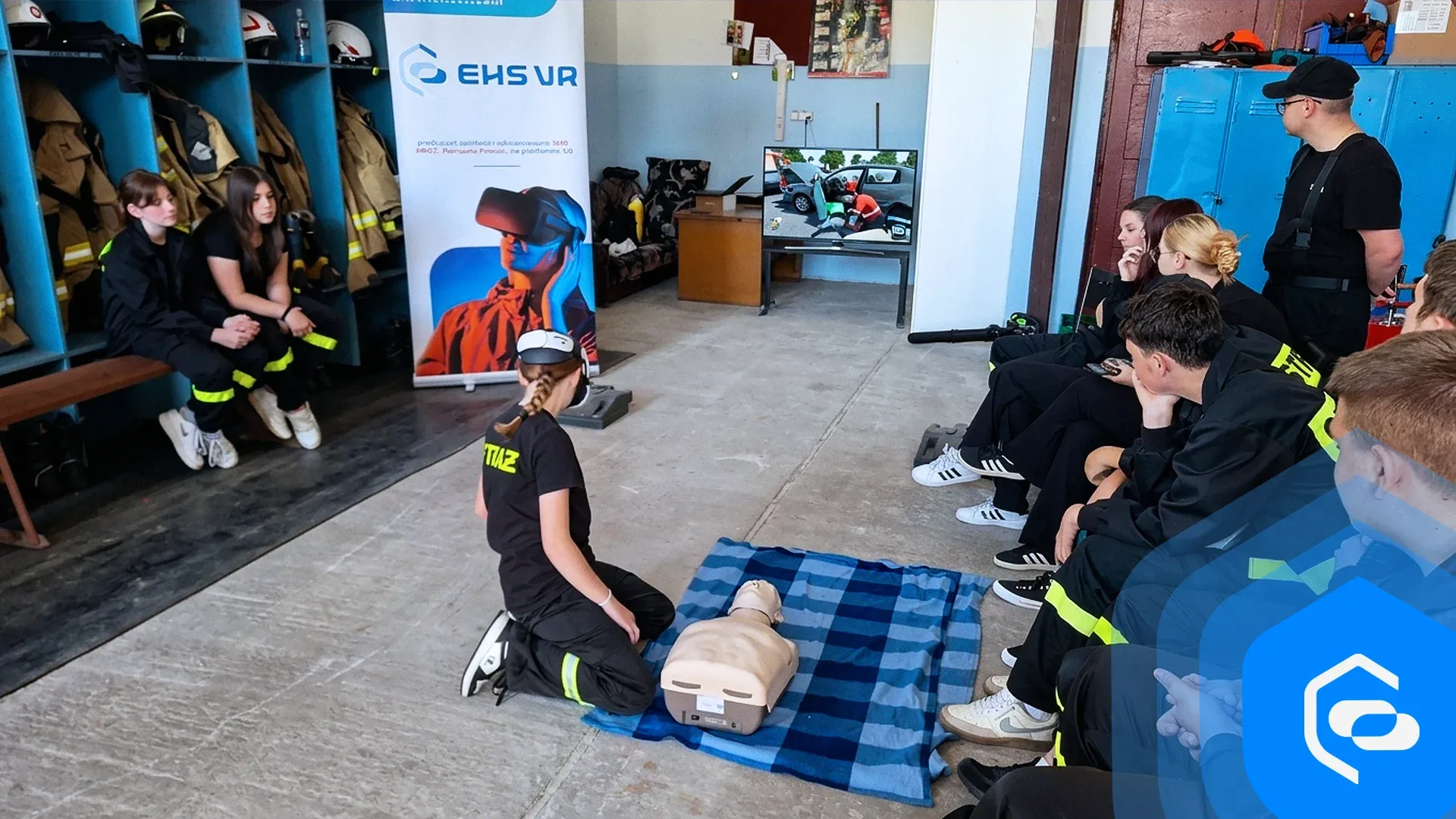
The "Active Village" programme offered up to PLN 15,000 to municipalities and OSP units for first aid training. Applications closed on 30 April 2026.
Funding4 min read
Łódzkie Voivodeship’s 2026 call offered volunteer fire departments up to PLN 10,000 for children and youth fire protection education. Submissions closed on 6 March 2026.
We send you a headset with all the apps. You test for 5 business days, and we cover shipping both ways.
Get a test headsetInstall in a few minutes and test all the apps for 7 days. No card, no commitment.
Test on my headsets30 minutes online: we show you scenarios for your industry and answer your questions about rollout.
Book a call