First aid
BLS & AED in the Factory
BLS & AED in VR - life-saving response to emergencies at the factory.
BLS at Home in VR - check, call, and place in recovery position.
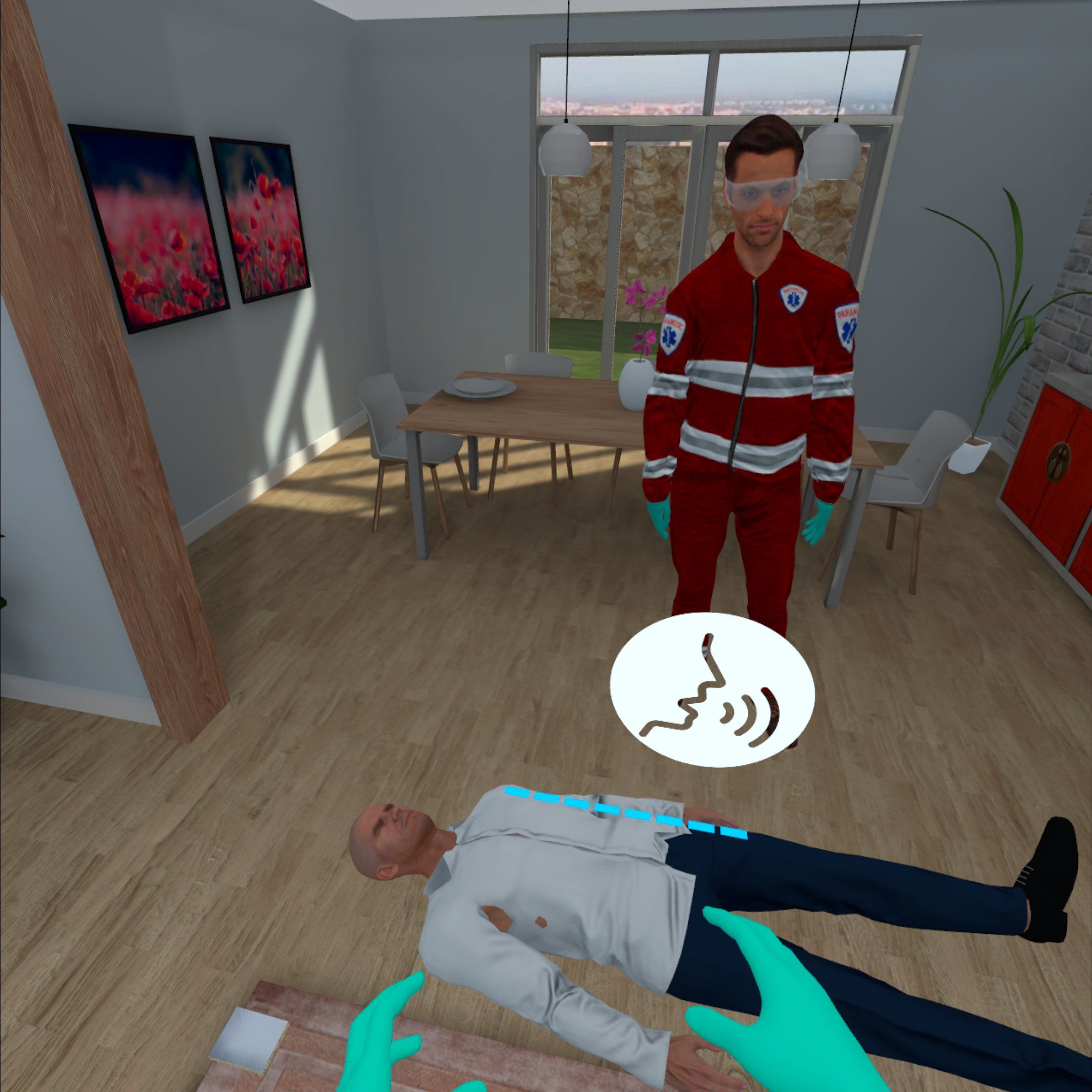
BLS at Home VR Training immerses participants in a realistic household scenario where they encounter an unconscious person. The objective is to check vital functions, call emergency services, and place the casualty in the recovery position.
The simulation uses speech recognition to enable realistic interaction with the rescue team, reinforcing confidence and communication skills in critical moments. This module prepares users to handle emergencies at home calmly and effectively, ensuring they know how to react when every second counts.
The goal of the training is to teach participants the procedures to follow when dealing with an unconscious person who still has vital signs, according to the 2021 ERC guidelines. During the training, participants will have the opportunity to practice the correct way of positioning a person in the recovery position using VR technology. The application features a virtual rescuer who explains each step of the procedure, offering support at every stage of the simulation.
The training is aimed at:
Part I – Introduction (5 minutes)
Introduction provided by the trainer before starting the VR simulation:
Part II – Practical Exercises using the VR Application (5 minutes)
Carried out in the VR environment:
Part III – Summary (5 minutes)
Conducted by the trainer after the VR simulation:
The training is conducted in a safe VR environment and builds practical skills in realistic conditions, in line with the ERC 2021 guidelines.
“The implementation of the EHS VR occupational health and safety application at CANAL+ Polska S.A. has garnered tremendous interest among employees. Training participants emphasize that the innovative approach has made the sessions not only more attractive but also engaging and interactive. Modern tools allowed for a realistic simulation of scenarios, significantly enhancing the effectiveness of learning safety principles. I am delighted with the positive reception and eagerly look forward to new applications that will enrich our training programs and elevate them to an even higher level.”
BLS & AED in VR - life-saving response to emergencies at the factory.

AI-powered VR first aid - realistic training with interactive interviews.
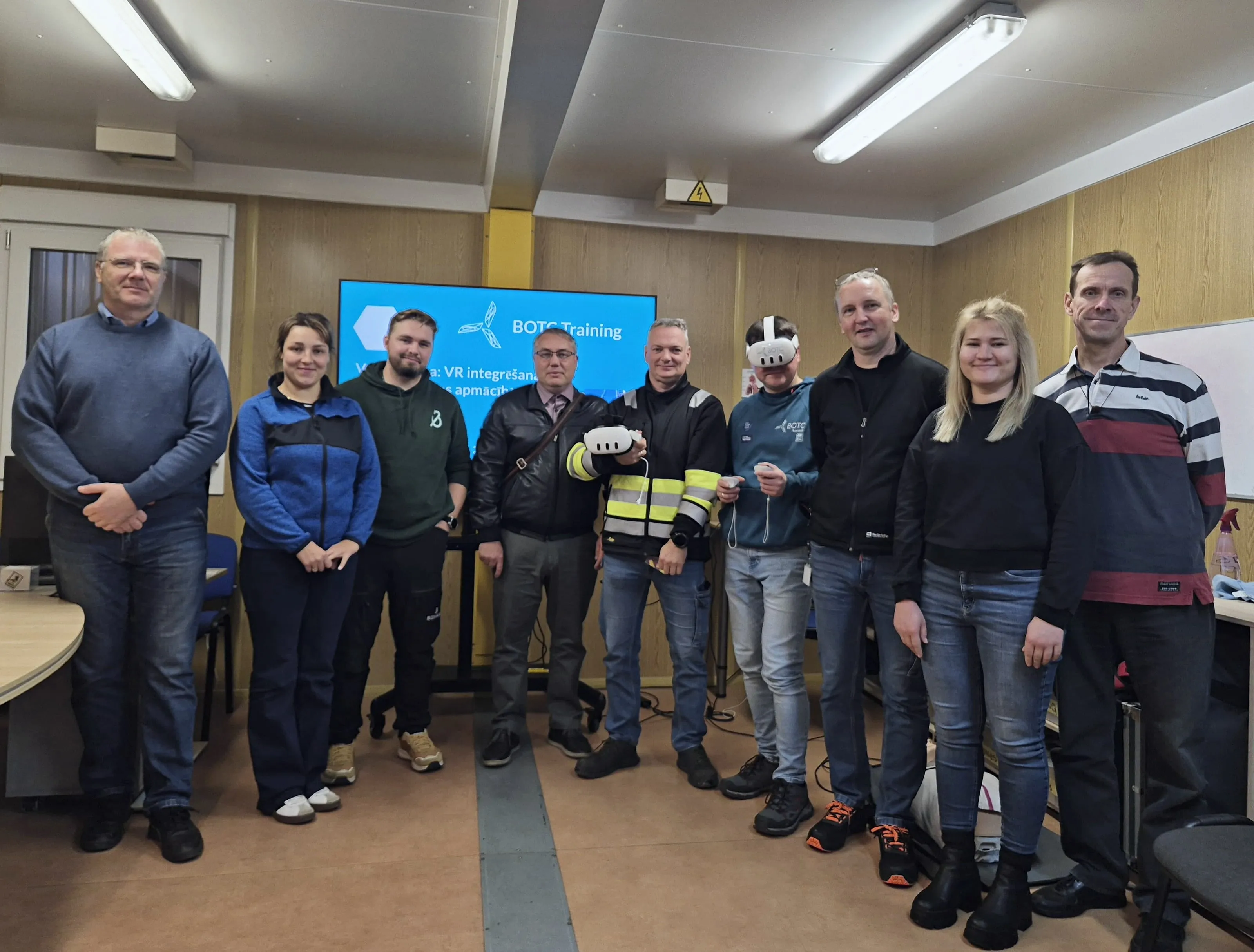
What safety specialists from 30 companies learned at a BOTC VR workshop: short modules, high-risk training, local languages.
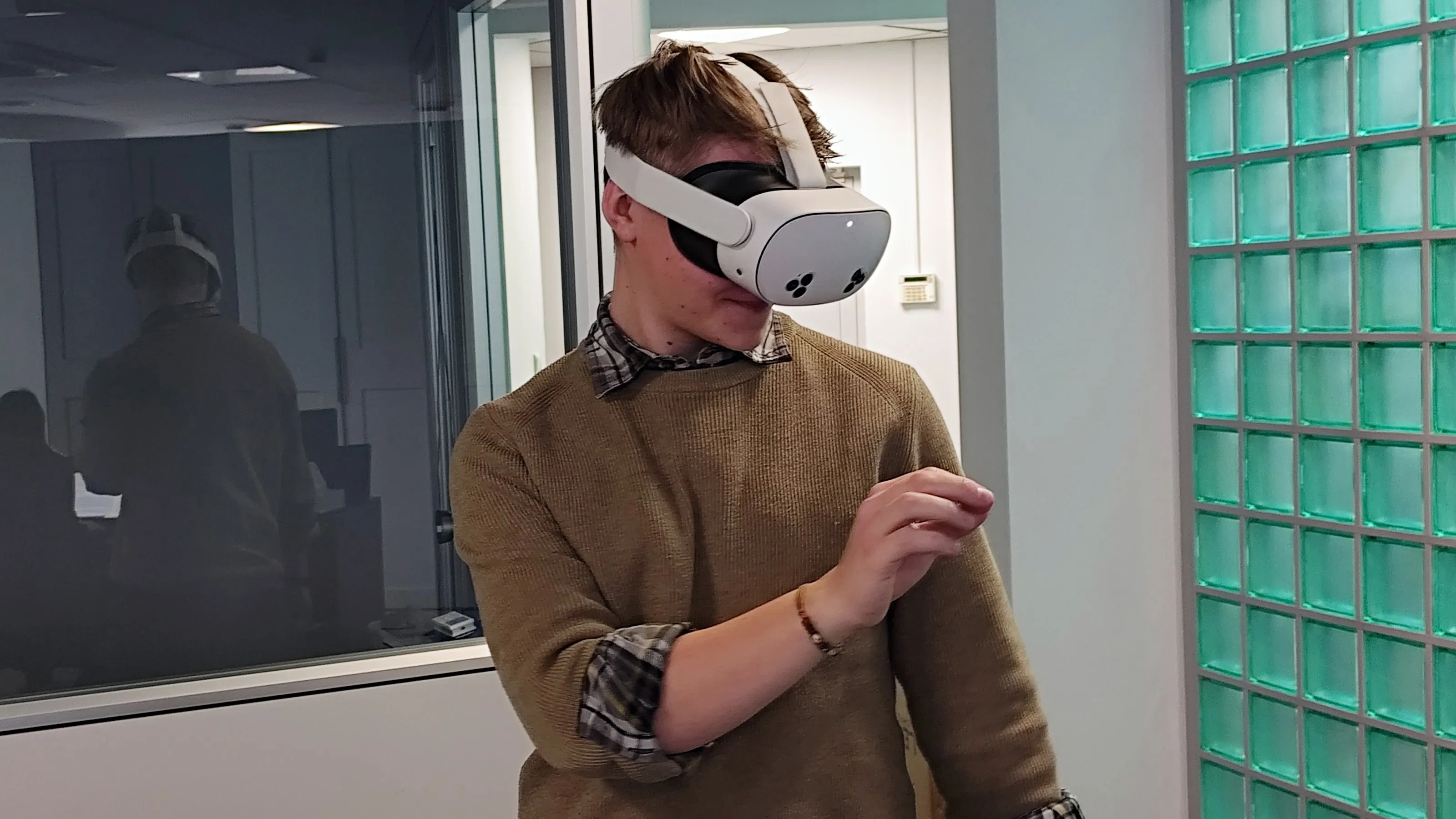
Initial OHS training that keeps quality consistent, engages new employees and documents results.
Periodic OHS refresher training that engages employees, can run at any time and documents results.
We send you a headset with all the apps. You test for 5 business days, and we cover shipping both ways.
Get a test headsetInstall in a few minutes and test all the apps for 7 days. No card, no commitment.
Test on my headsets30 minutes online: we show you scenarios for your industry and answer your questions about rollout.
Book a call